What DevOps Guides Don't Tell You About Production AWS
Quick summary: Most DevOps guides teach what AWS services are. Production teaches what happens when 200 engineers use them together.
Key Takeaways
- Most DevOps guides teach what AWS services are
- Production teaches what happens when 200 engineers use them together
- They teach AWS concepts clearly: EC2, VPCs, Terraform, containers, IAM
- They rarely cover what happens when 200 engineers use them together, or the failures you only see at scale
- production operations Most DevOps guides cover AWS concepts well, often in a question-and-answer format
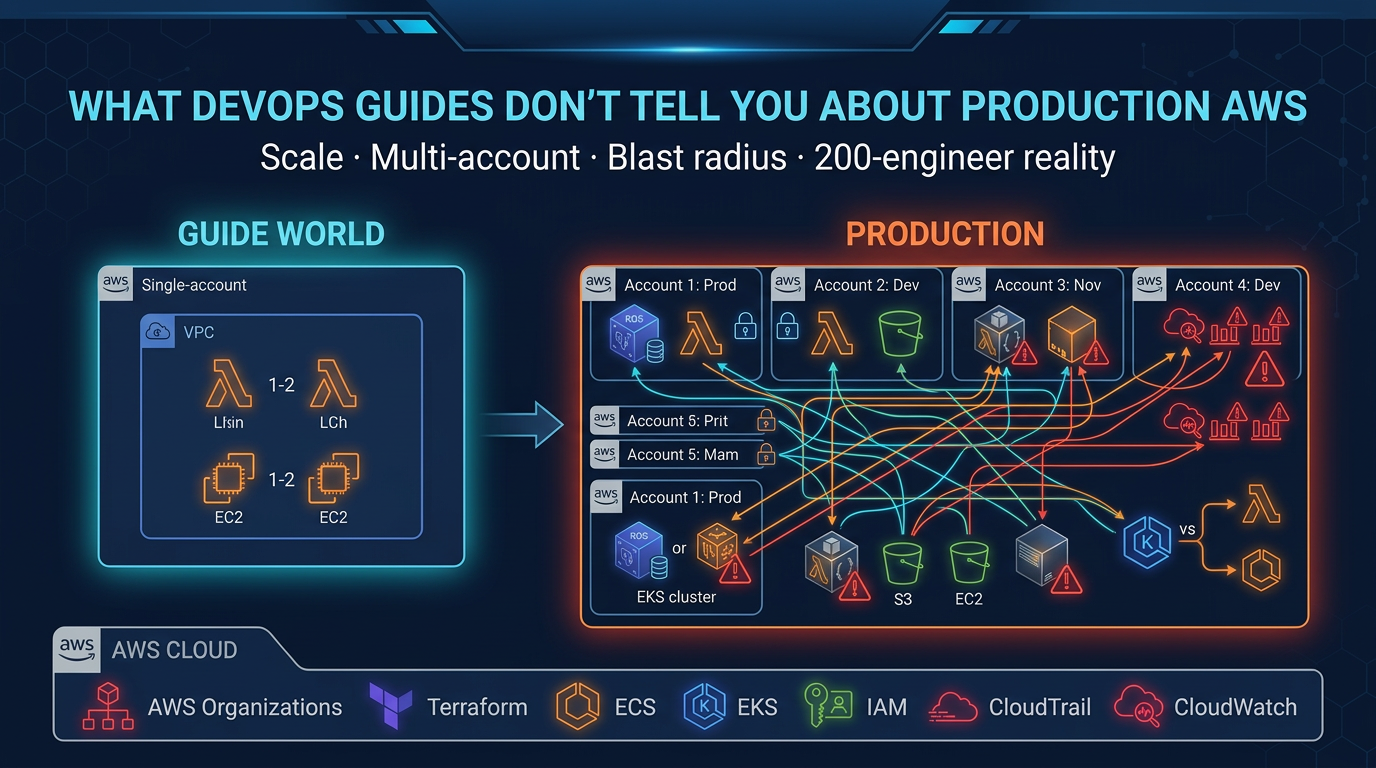
Table of Contents
Most DevOps guides, whether books, courses, certifications, or online platforms, follow the same pattern. They teach AWS concepts clearly: EC2, VPCs, Terraform, containers, IAM. The explanations are correct.
But they teach what things are. They rarely cover what happens when 200 engineers use them together, or the failures you only see at scale.
This post maps the key AWS topics from common guides to production reality: the patterns, failure modes, and trade-offs that an AWS consulting partner (or a strong internal DevOps team) ends up handling.
Common knowledge vs. production operations
Most DevOps guides cover AWS concepts well, often in a question-and-answer format. What happens when you use Spot Instances at scale? How do you version Terraform modules? What’s the difference between ECS and EKS?
These are good questions, and the usual answers are technically accurate. They just stop short of production. The table shows where:
| Topic | Common Knowledge | Production Reality |
|---|---|---|
| Spot Instances | “Use Auto Scaling Groups to manage EC2 capacity” | Spot fleet diversity, interruption handling, fallback to On-Demand, capacity-optimized allocation strategy |
| Terraform State | “Use remote backend instead of local state” | State locking, S3 MFA delete, concurrent apply failures, workspaces per environment, how to recover from a corrupt state file |
| ECS vs EKS | “EKS is more powerful, ECS is simpler” | ECS costs 50% less, better for teams <15 people, EKS if you need Kubernetes ecosystem, Karpenter vs Cluster Autoscaler tradeoffs |
| VPC Security | “Security groups are stateful, NACLs are stateless” | Security group rule limits at scale, transit routing complexity, why /16 blocks cause problems, NACLs rarely needed |
| CloudWatch | “Send logs and metrics, set alarms” | EMF vs custom metrics, X-Ray sampling overhead, alert fatigue in multi-account setups, log retention costs |
The common answers are right. The production answers add the operational detail.
1. AWS compute: from theory to fleet management
Common DevOps guides cover compute well, with questions like:
- What’s the difference between AMI, EBS, and instance store?
- When do you use Spot Instances?
- What’s Lambda’s cold start?
What most guides miss:
EC2 fleet diversity
You can’t just “use Auto Scaling Groups.” You need capacity-optimized allocation across instance types.
Why? Spot Instances are interrupted. In production, you don’t pick one instance type. You pick 8 to 12 compatible types (same vCPU/memory ratio) and let AWS spread the load.
# Wrong (common approach)
desired_capacity = 10
instance_type = "t3.medium"

# Right (production)
mixed_instances_policy {
  instances_distribution {
    on_demand_percentage_above_base_capacity = 20
  }
  launch_template {
    overrides = [
      { instance_type = "t3.medium" },
      { instance_type = "t3a.medium" },
      { instance_type = "m5.large" },
      # ... 5-7 more compatible types
    ]
  }
}
You’ll still get interrupted. Diversity doesn’t prevent interruptions, it makes them survivable. With 8 types, average interruption rate drops from “every few hours” to “every few days.”
Lambda cold starts and power tuning
The repo asks: “Does Lambda have cold starts?” Yes, when there’s no warm container.
Production asks: “What’s the financial trade-off of cold starts?”
AWS Lambda Power Tuning is free. It tests your function at 128MB, 256MB, 512MB, up to 10GB and shows you cost vs. latency curves. Most teams overprovision memory (paying for CPU you don’t use). This tool finds the sweet spot.
128MB: 25 invocations/sec, $12/month
512MB: 75 invocations/sec, $18/month
1024MB: 100 invocations/sec, $25/month
Pick 512MB. You’ll save money and reduce cold starts.
ECS task placement
The repo says: “ECS distributes tasks across container instances.”
Production: “ECS placement constraints can cause deployment failures if misconfigured.”
If you constrain tasks to specific EC2 instance types but those instances don’t have capacity, your deployment will silently fail (no error, just 0 running tasks). To catch this:
- Spread tasks across availability zones (not optional for HA)
- Monitor task placement failures in CloudWatch
- Test failover scenarios quarterly
2. Networking and VPC: where assumptions break
Most DevOps guides cover VPC security well but not scale.
VPC IPAM and /16 block fragmentation
The common answer: “Subnets are /24 blocks within a VPC.”
Production reality: When you have 50 VPCs across 3 regions, you don’t manually assign subnets. You use VPC IPAM (IP Address Manager). It prevents collisions and fragments your /16 blocks efficiently.
Without IPAM, you’ll eventually:
- Double-allocate an IP range
- Run out of contiguous space for a new VPC
- Waste 10+ /24 blocks to gaps
IPAM adds 5 minutes to setup. Fixing a fragmented /10 block takes a week.
Transit Gateway vs. VPC peering
You’ll often see this question: “How do you connect VPCs?”
VPC Peering (one-to-one, point-to-point):
- Low latency
- Doesn’t scale past 5 to 10 VPCs
- No transitive routing
Transit Gateway (hub-and-spoke):
- Scales to 100+ VPCs
- Transitive routing works
- Slightly higher latency (negligible)
- Costs money ($0.05/hour)
Most teams don’t need Transit Gateway until they have 8+ VPCs. Until then, accept peering debt.
Security groups at scale
Common training teaches: “Security groups are stateful firewalls.”
Production reality: Security groups have a 200-rule limit per group. At scale (100+ microservices), you’ll hit this.
Your options:
- Create service-specific security groups (one per app), which is manageable
- Use NACLs for coarse filtering (rarely done, adds complexity)
- Refactor your network (consolidate services, use service mesh)
Most teams pick option 1. It works, but it requires good naming and tooling.
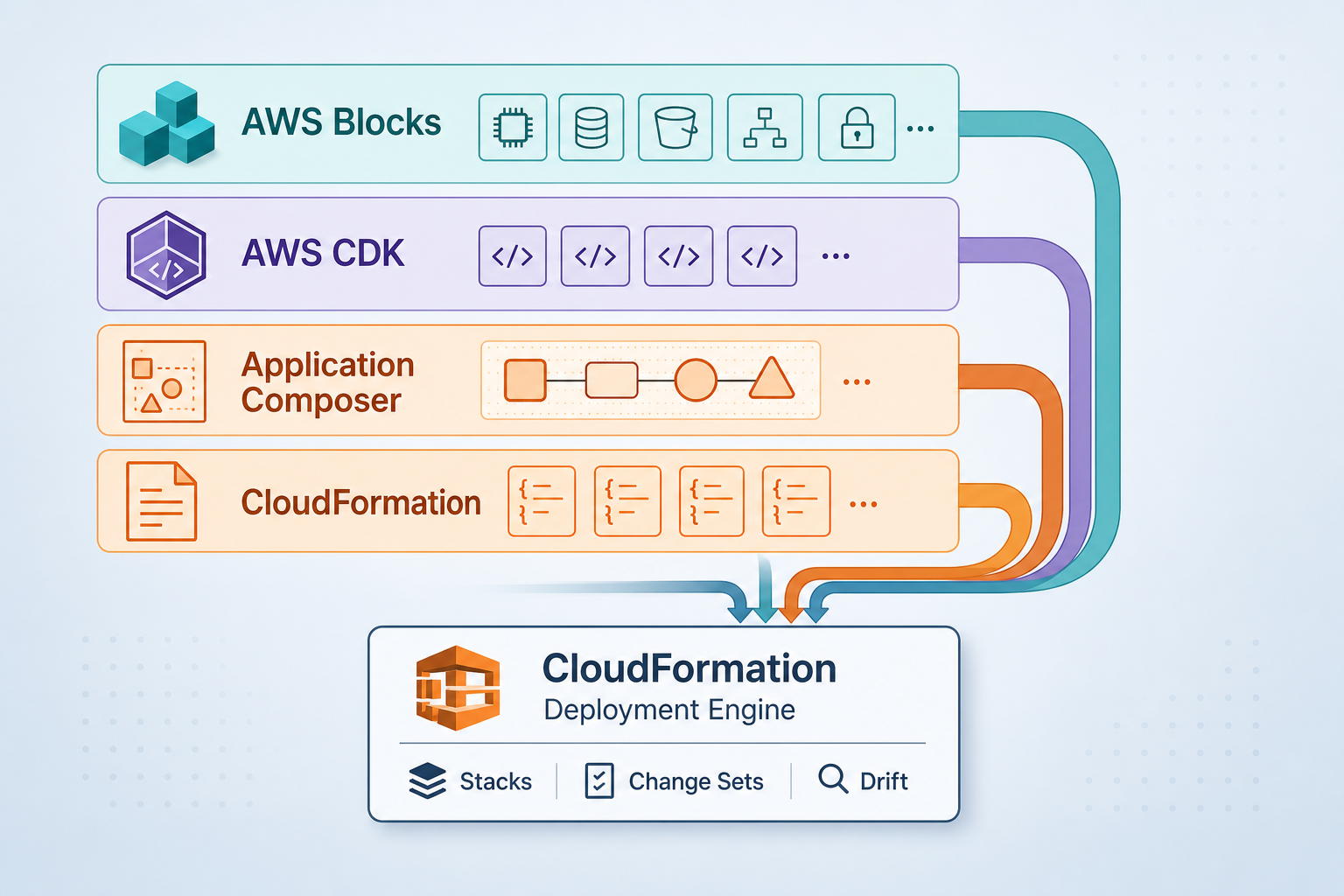
3. Infrastructure as code: Terraform state in the real world
Most Terraform guides cover the basics (remote state, modules, workspaces) but not what breaks.
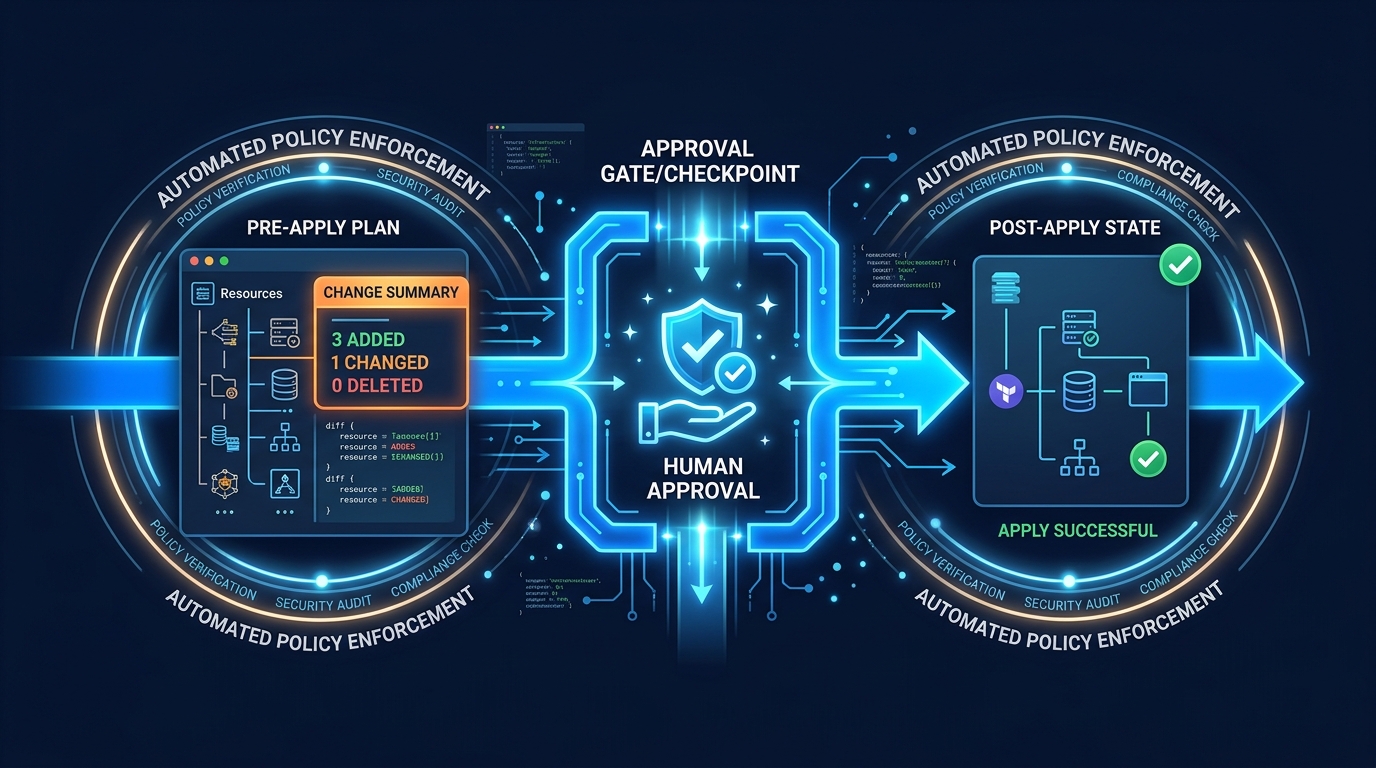
State locking and concurrent applies
You run a Terraform apply. Your colleague runs one at the same time. What happens?
Without state locking: Both apply, second one wins, first one’s changes are lost.
With state locking (DynamoDB): Second apply waits for the first to finish.
Setup is 3 lines:
terraform {
  backend "s3" {
    bucket         = "my-terraform-state"
    key            = "prod/terraform.tfstate"
    dynamodb_table = "terraform-lock"
    encrypt        = true
  }
}
Gotcha: if an apply crashes, the lock persists. You’ll see Error acquiring the state lock. Recovery:
terraform force-unlock <LOCK_ID>Document this. Your team will need it.
Module versioning and silent bugs
Standard practice says: “Modules make Terraform DRY.”
In production: “Unversioned modules cause silent breaking changes.”
# Bad (floats to latest)
source = "git::https://github.com/my-org/terraform-modules.git//vpc"

# Good (pinned to tag)
source = "git::https://github.com/my-org/terraform-modules.git//vpc?ref=v2.1.0"
If you don’t pin, your colleague updates a module, releases v2.2.0, and your next terraform init silently upgrades you. If v2.2.0 changed outputs or behavior, your apply might fail in unexpected ways.
Use semantic versioning. Pin to minor version (v2.1.*):
source = "git::https://github.com/my-org/terraform-modules.git//vpc?ref=v2.1"4. Containers: ECS vs. EKS and the operational cost
A question that comes up in every DevOps discussion: “What’s the difference between ECS and EKS?”
Both run containers. EKS is Kubernetes. ECS is AWS-native. The common answer is: “EKS is more powerful.”
The production decision table:
| Factor | ECS | EKS |
|---|---|---|
| Cost | No control-plane fee; compute only | ~$0.10/hour (control plane) + compute |
| Overhead | Low (AWS manages control plane) | High (you patch, secure, monitor it) |
| Learning curve | 1-2 weeks for AWS teams | 2-3 months for Kubernetes learners |
| Ecosystem | AWS-specific | Multi-cloud, large community |
| Jobs market | Less portable | Very portable |
Default choice: ECS. It costs less, requires less operational knowledge, and AWS handles patching.
Switch to EKS when:
- You have multiple cloud providers (AWS + GCP)
- You already know Kubernetes
- You need Helm charts or Operators
- Your team is >15 people (Kubernetes is worth the investment)
Karpenter vs. Cluster Autoscaler
If you pick EKS, you need to autoscale. Two options:
Cluster Autoscaler (older):
- Adjusts EC2 capacity based on pending pods
- Works well for stable workloads
- Slow scaling (1-2 minutes)
Karpenter (newer, purpose-built):
- Instant node scaling (seconds, not minutes)
- Automatic Spot Instance diversification
- Bin-packing optimization (less wasted capacity)
- AWS-native (not multi-cloud)
Karpenter scales 10x faster and saves ~30% on compute. Use it if you run EKS.
Fargate Cold Starts
The repo says: “Use Fargate to avoid managing EC2.”
True, but Fargate has cold starts. New task launches take 30 to 60 seconds.
In production, this means:
- Autoscaling policies that depend on Fargate will page you at 3 AM
- Batch jobs that need tight SLAs suffer
- One-off tasks (migrations, backups) are slow
If latency is critical, use EC2. If you can tolerate 30 to 60 seconds, Fargate saves headcount.
5. Observability beyond CloudWatch basics
Most DevOps guides barely touch observability: “Send metrics and logs, set alarms.” That’s about 10% of what you need.
CloudWatch EMF vs. custom metrics
The standard advice: “Use CloudWatch Metrics for visibility.”
Production has high-cardinality data (millions of unique metric values). CloudWatch custom metrics cost $0.30 per metric per month. At scale, that’s expensive.
EMF (Embedded Metrics Format) lets you send structured logs and metrics in one call:
{
  "_aws": {
    "CloudWatch": {
      "Namespace": "MyApp",
      "MetricData": [{ "Name": "Latency", "Value": 142 }]
    }
  },
  "userId": "12345",
  "requestId": "abc-123"
}
One log line = one metric. Costs 1 log write instead of 1 metric + 1 log. Savings: $0.29.
X-Ray sampling and cost
X-Ray traces are detailed and expensive. By default, it samples 1 of every 100 requests. That’s usually fine. But if you have 10,000 requests/sec, 100 traces/sec × $5 per million traces = $400+/month.
If you’re in the top 5% of latency-sensitive services, X-Ray is worth it. Otherwise:
- Sample 1 in 1000 requests
- Only trace errors (100% sample errors, 0.1% sample success)
- Use CloudWatch Insights for aggregation instead
Alert fatigue in multi-account setups
Standard training says: “Set CloudWatch alarms for critical metrics.”
Production reality: One CloudWatch alarm per account × 10 accounts × 50 apps = 500 alarms. If alert fatigue is high, oncall starts ignoring pages.
Solution: Aggregate alarms at organization level.
Use AWS CloudWatch Synthetics (active monitoring) + SNS topics (aggregation) to create a single “is the app down?” question. Oncall gets one page, not 20.
6. IAM: least privilege at scale
Standard DevOps training covers “IAM users, roles, policies. Use least privilege.” It doesn’t cover what least privilege looks like with 200 engineers.
Service Control Policies (SCPs)
SCPs are organization-wide IAM boundaries. For example, “no EC2 in eu-west-1” across all 50 accounts.
If you don’t use SCPs by your 5th AWS account, you’ll eventually:
- Have unencrypted S3 buckets in a regulated account
- Run EC2 in the wrong region
- Leak secrets from a dev account
SCPs are guardrails, not permissions. Combined with role-based access (who can use the role), they prevent mistakes.
Resource-based policies
Standard training teaches: “Attach policies to users.”
In production: “Attach policies to roles, because users are temporary. But also control resources with resource-based policies.”
Example: S3 bucket should only accept encrypted uploads. That’s a bucket policy, not a user policy.
{
  "Effect": "Deny",
  "Principal": "*",
  "Action": "s3:PutObject",
  "Resource": "arn:aws:s3:::my-bucket/*",
  "Condition": {
    "StringNotEquals": {
      "s3:x-amz-server-side-encryption": "AES256"
    }
  }
}
User can call PutObject, but S3 rejects it if unencrypted. This prevents mistakes at the resource level.
7. Multi-account governance and when to hire help
Standard DevOps training can’t teach this part, because it isn’t a technical question:
Multi-account strategy
Single AWS account works for 1 to 5 services. Beyond that, you need 3 to 8 accounts:
- Prod (production workloads)
- Staging (pre-production, prod-like)
- Dev (sandboxes, experiments)
- Security (centralized logging, IAM)
- Network (hub VPCs, DNS, transitive routing)
Managing 8 accounts requires:
- AWS Organizations setup
- SCPs and permission boundaries
- Cross-account role assumptions
- Centralized logging and auditing
- Backup and disaster recovery strategies
This is 2 to 3 weeks of engineering work.
Blast radius isolation
In one account, one developer can accidentally delete the production database.
With multi-account architecture, the dev account can’t touch prod. The blast radius is one account and one service, not the entire infrastructure.
Setting this up requires:
- Cross-account IAM roles (not programmatic keys)
- S3 bucket policies preventing cross-account access
- VPC isolation and transit gateway design
- Audit logging in a separate security account
This is 4 to 6 weeks of engineering work.
When to hire an AWS consulting partner
Everything in this post can be learned, but time has a cost. An AWS consulting partner (like FactualMinds) helps with questions like these:
- “Should we set up 5 accounts now or wait?” (Answer: Now. Cost of fixing later = 10x)
- “Is our Terraform state strategy secure?” (Answer: Depends. Let’s audit.)
- “How do we scale observability from 10 to 100 microservices?” (Answer: EMF, aggregation, and sampling strategy)
- “What’s our disaster recovery plan?” (Answer: Let’s design it.)
- “Are we paying too much for compute?” (Answer: Probably. Let’s optimize.)
The repo teaches you to think like an engineer. A consulting partner helps you build like a team, with governance, security, cost discipline, and playbooks.
Summary
Concepts vs. patterns. Standard DevOps training is good for concepts. Spot diversity, state locking, multi-account isolation, and alert aggregation aren’t in textbooks, and they are operational requirements.
Default choices. ECS over EKS (until you need K8s). Fargate for simplicity, EC2 for latency. Terraform for infrastructure, CloudFormation for quick stacks. Small choices compound into architectural decisions.
Scaling ops. With 5 engineers on Terraform and CloudWatch you’re fine. With 50 you need state locking, EMF, SCPs, and playbooks. Build them before you need them.
Fundamentals. Engineers who succeed in production combine foundational knowledge with years of operational patterns. Learning the fundamentals is step one.
Next steps
If you’re building DevOps or cloud architecture skills:
- Study the fundamentals (certifications, guides; you need the concepts)
- Then study production patterns: state management, cross-account design, observability at scale, and chaos validation
- Build it, deploy it, break it, and fix it.
If you’re building AWS infrastructure and hitting these questions:
- Multi-account strategy unclear?
- Terraform state management fragile?
- Alert fatigue from CloudWatch alarms?
- Want a disaster recovery plan that actually works?
We help teams move from foundational knowledge to running AWS in production. Let’s talk about your infrastructure.
Frequently asked questions
What are the most common mistakes DevOps teams make on AWS?
When should you choose ECS over EKS on AWS?
How do you manage Terraform state in a production team?
Why do production AWS environments fail differently than expected?
What is AWS VPC IPAM and why does it matter?
How do you reduce CloudWatch alert fatigue in multi-account AWS?

Enterprise AI Transformation
Enterprise AI transformation and implementation leader focused on pilot-to-production playbooks, with a background in financial services. Writes the FactualMinds guides on serverless, CI/CD, and DevOps on AWS, the delivery plumbing production AI depends on.