How to Configure AWS WAF for API Protection (Beyond the Basics)
Quick summary: WAF beyond “enable managed rules”: COUNT→BLOCK, rate limits, Bot Control cost traps, GraphQL depth. July 2026 API protection checklist.
Key Takeaways
- July 2026 API protection checklist
- AWS WAF protects APIs at Layer 7: SQLi, XSS, credential stuffing patterns, rate abuse, and (with Bot Control) many bot classes, before traffic hits your code
- Reproduce this: WAF COUNT→BLOCK checklist > Securing APIs on AWS
- Action: What happens when a rule matches (BLOCK, COUNT, CHALLENGE) Step 2: Create a web ACL Go to AWS WAF & Shield → Web ACLs: 1
- Click Create web ACL 2

Table of Contents
AWS WAF protects APIs at Layer 7: SQLi, XSS, credential stuffing patterns, rate abuse, and (with Bot Control) many bot classes, before traffic hits your code. As of July 2026, the production pattern is still managed rules + rate-based rules in COUNT first, then BLOCK; treat Bot Control / CAPTCHA / Challenge as separately modeled cost lines (Common Bot Control has a free request tier; Targeted does not scale the same).
First-party benchmark (illustrative): enabling three managed rule groups + rate limits on ~100M req/mo is often ~low-hundreds USD/mo at list; flipping Targeted Bot Control + CAPTCHA on the same QPS without scoping can 2 to 5× that. Verify on the pricing page before “enable everything.”
Reproduce this: WAF COUNT→BLOCK checklist
Securing APIs on AWS? Security services · contact.
Step 1: Understand AWS WAF architecture
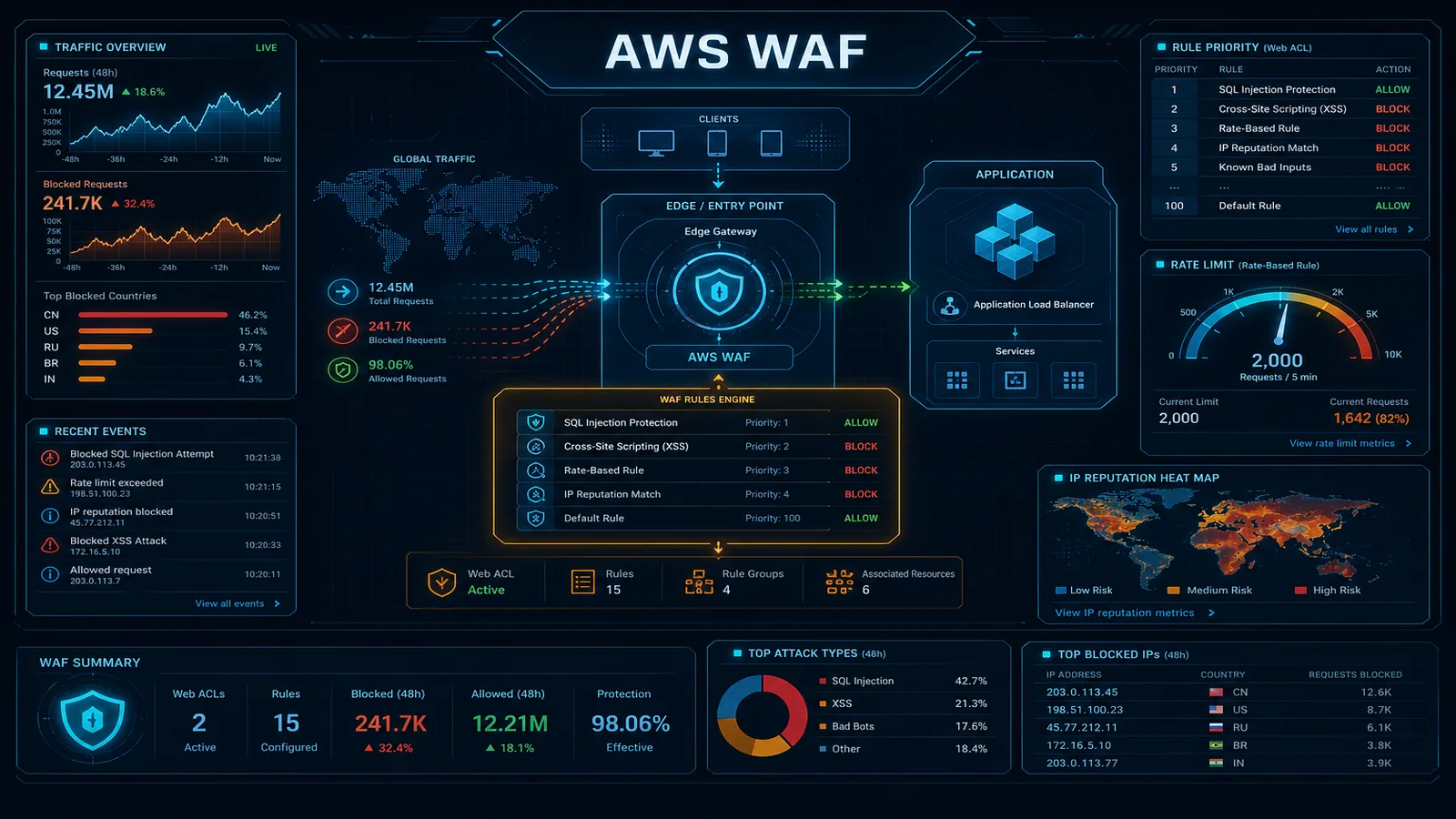
AWS WAF sits in front of your API (CloudFront, ALB, API Gateway, AppSync):
Client Request
  ↓
WAF Rules (check request)
  → Rule 1: Is SQL injection? → BLOCK
  → Rule 2: Rate limit? → BLOCK if >1000 req/min
  → Rule 3: Known bot? → BLOCK
  ↓ (if all rules pass)
API (protected)
Key concepts:
- Web ACL: Container for rules (like a security policy)
- Rules: Conditions that trigger actions (BLOCK, ALLOW, COUNT)
- Managed Rules: AWS-written rules for OWASP Top 10 (SQL injection, XSS, etc.)
- Custom Rules: Your own patterns (IP blocking, rate limiting, etc.)
- Action: What happens when a rule matches (BLOCK, COUNT, CHALLENGE)
Step 2: Create a web ACL
Go to AWS WAF & Shield → Web ACLs:
- Click Create web ACL
- Name:
api-protection - Region: Select region (WAF is region-specific; ALB needs same region)
- Associated resources: Select API Gateway, ALB, or CloudFront
- Click Next
Step 3: Add AWS managed rules
AWS provides rule groups for common attacks. Add them:
- Go to Add rules → Add managed rule groups
- Enable:
- AWSManagedRulesCommonRuleSet (SQL injection, XSS, etc.)
- AWSManagedRulesKnownBadInputsRuleSet (known malicious payloads)
- AWSManagedRulesAmazonIpReputationList (known bad IPs)
For each rule group, set Action:
- Block: Stop the request (recommended for production)
- Count: Log but don’t block (use this first to validate)
Example rule: Block SQL injection attempts:
Rule: AWSManagedRulesSQLiRuleSet
Action: BLOCK
Status: Enabled
Click Add rules.
Step 4: Add rate limiting
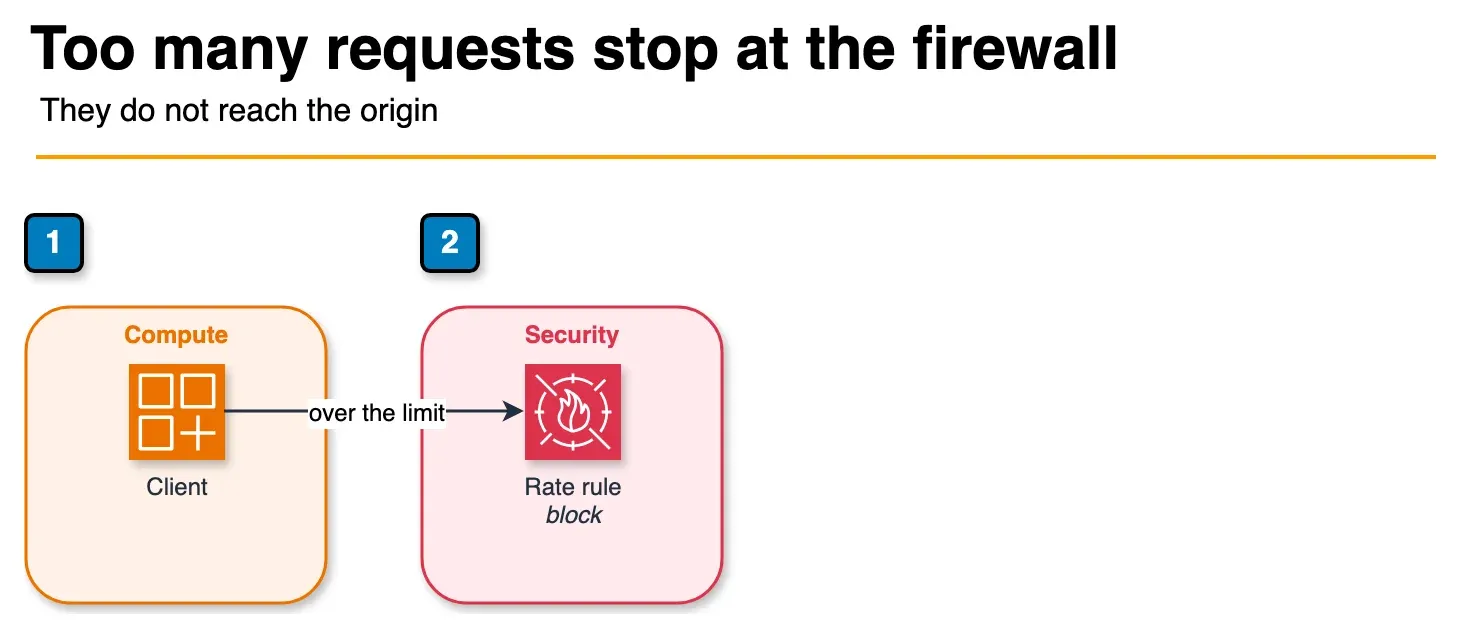
Figure: the rate-based rule in the article. A client over the limit is blocked at WAF and does not continue to the origin. The sample limit stays in the steps. Count mode is a different post. Open the draw.io source.
Prevent DDoS and brute force attacks:
- Click Add rules → Add my own rules
- Rule name:
rate-limit-per-ip - Type: Rate-based rule
- Rate limit: 2000 (requests per 5-minute period)
- Action: BLOCK
- Click Create
This blocks any IP sending >2000 requests in 5 minutes.
For API-specific rate limiting (per user/API key):
Rule name: rate-limit-per-api-key
Type: Rate-based rule with custom scope
Scope key: Header (X-API-Key)
Rate limit: 100 requests per minute
Action: BLOCK
Step 5: Add custom rules for API protection
Rule 1: Block large payloads
Prevent payload bombs:
Rule name: block-large-payloads
Conditions:
  - Body size > 10,000 bytes
  - HTTP method = POST
Action: BLOCK
Rule 2: Require a Content-Type header
Prevent content confusion attacks:
Rule name: require-content-type
Conditions:
  - Header "Content-Type" is missing
  - HTTP method = POST or PUT
Action: BLOCK
Rule 3: Block suspicious user agents
Block known bots and scrapers:
Rule name: block-bots
Conditions:
  - User-Agent matches (regex): .*bot.*|.*scraper.*|.*curl.*
Action: COUNT (first), then BLOCK
Rule 4: Protect admin paths
Block access to internal endpoints:
Rule name: protect-admin-paths
Conditions:
  - URI path starts with /admin
  - IP is NOT in whitelist [10.0.0.0/8, 203.0.113.0/24]
Action: BLOCK
Rule 5: Prevent credential stuffing
Detect login brute force:
Rule name: prevent-login-brute-force
Conditions:
  - URI path = /api/login
  - HTTP method = POST
  - Rate limit: 10 requests per minute per IP
Action: BLOCK
Step 6: Test rules in COUNT mode
Before blocking, validate rules don’t break legitimate traffic:
- Set all rules to COUNT action
- Run for 24-48 hours
- Monitor CloudWatch logs for blocked requests
- Check if legitimate requests are being matched
- Adjust thresholds if needed
- Switch rules to BLOCK
View logs in CloudWatch → Log groups → /aws/wafv2/api-protection:
{
  "httpRequest": {
    "clientIp": "203.0.113.5",
    "userAgent": "curl/7.64.1",
    "uri": "/api/users/123",
    "httpMethod": "GET"
  },
  "action": "BLOCK",
  "terminatingRuleId": "rate-limit-per-ip",
  "timestamp": 1712145600000
}
Step 7: Enable Bot Control (optional)
AWS Bot Control identifies and blocks malicious bots:
- In Web ACL, click Add rules → Add managed rule groups
- Enable AWSManagedRulesBotControlRuleSet
- Action: BLOCK
- Cost: $10/month per million requests
Bot Control categorizes traffic:
- Verified bots: Google, Amazon (allowed by default)
- Suspicious bots: Credential stuffing tools (blocked)
- Crawler: Search engine bots (allowed)
Step 8: Monitor and alert
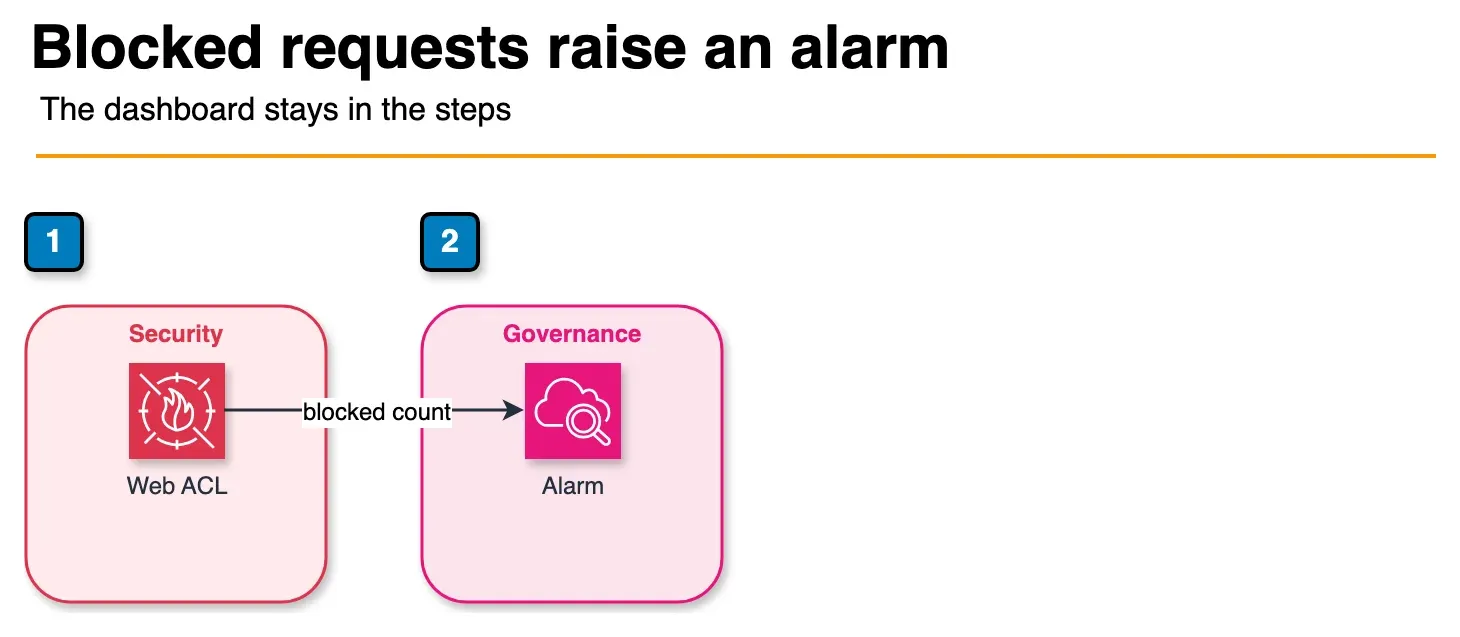
Figure: monitoring in the article. The web ACL publishes the blocked-request count, and the alarm fires on that count. The article’s dashboard and log steps stay in the post. No threshold on the figure. Open the draw.io source.
CloudWatch dashboard
Create a dashboard to monitor attacks:
import boto3

cloudwatch = boto3.client('cloudwatch')

cloudwatch.put_metric_alarm(
    AlarmName='WAF-SQL-Injection-Detected',
    MetricName='BlockedRequests',
    Namespace='AWS/WAFV2',
    Statistic='Sum',
    Period=300,
    Threshold=10,
    ComparisonOperator='GreaterThanThreshold',
    AlarmActions=['arn:aws:sns:us-east-1:123456789012:security-alerts']
)
Log analysis
Query WAF logs for attack patterns:
import boto3
from datetime import datetime, timedelta

logs = boto3.client('logs')

response = logs.start_query(
    logGroupName='/aws/wafv2/api-protection',
    startTime=int((datetime.now() - timedelta(hours=1)).timestamp()),
    endTime=int(datetime.now().timestamp()),
    queryString='fields @timestamp, action, terminatingRuleId | stats count() by terminatingRuleId'
)

print(response['queryId'])
Step 9: Advanced patterns
Pattern 1: IP reputation scoring
Combine multiple signals to build IP reputation:
Rule: IP Reputation Score
Conditions:
  - Source IP in AWSManagedRulesAmazonIpReputationList
  - OR Request rate > 500 per minute
  - OR User-Agent is known bot
Action: CHALLENGE (CAPTCHA)
Challenge (CAPTCHA) instead of block for borderline cases (suspicious but not confirmed malicious).
Pattern 2: Geo-blocking
Block traffic from specific regions (if needed for compliance):
Rule: Geo-block
Conditions:
  - GeoLocation is China, Russia, Iran
Action: BLOCK
Use for regulated industries (healthcare, finance) if needed.
Pattern 3: API key validation
Use WAF to validate API keys before reaching app:
Rule: Invalid API Key
Conditions:
  - Header "X-API-Key" is missing
  - OR Header "X-API-Key" does NOT match regex ^[a-zA-Z0-9]{32}$
Action: BLOCK
This catches malformed keys before app processing.
Step 10: Production checklist
- Managed rule groups enabled (SQLi, XSS, bad inputs)
- Rate limiting configured (2000 req/min per IP)
- Large payload blocking enabled (>10KB)
- Content-Type validation enabled
- Bot blocking enabled (or COUNT mode)
- All rules tested in COUNT mode (24+ hours)
- Alarms configured for spike in blocked requests
- Team trained on incident response (what to do if WAF is blocking good traffic)
- Logging enabled to CloudWatch
- Weekly review of blocked requests (identify false positives)
Common mistakes to avoid
Blocking legitimate traffic
- Don’t start with BLOCK immediately
- Use COUNT mode first, monitor for 48 hours
- Increase thresholds if legitimate traffic is blocked
Too-broad IP blocking
- Blocking entire country = blocks VPNs, proxies, legitimate users
- Use for specific IPs, not ranges (unless critical)
No alerting
- 10,000 blocked requests = major attack
- Set up CloudWatch alarms to notify on spike
Ignoring false positives
- WAF blocks legitimate request once per month
- Review logs weekly, adjust rules if pattern emerges
Forgetting to scale rate limits
- Set limit to 2000 req/min, API grows to 5000 req/min
- Legitimate traffic gets blocked
- Monitor max legitimate request rate, set limit 2-3x higher
Cost optimization
Verify current numbers on AWS WAF pricing. Budget separately for:
- Web ACL + custom rules + managed rule groups (monthly, prorated)
- Request volume (and WCU / body inspection overages if you exceed defaults)
- Bot Control (Common vs Targeted free tiers differ)
- CAPTCHA attempts / Challenge responses when those actions fire
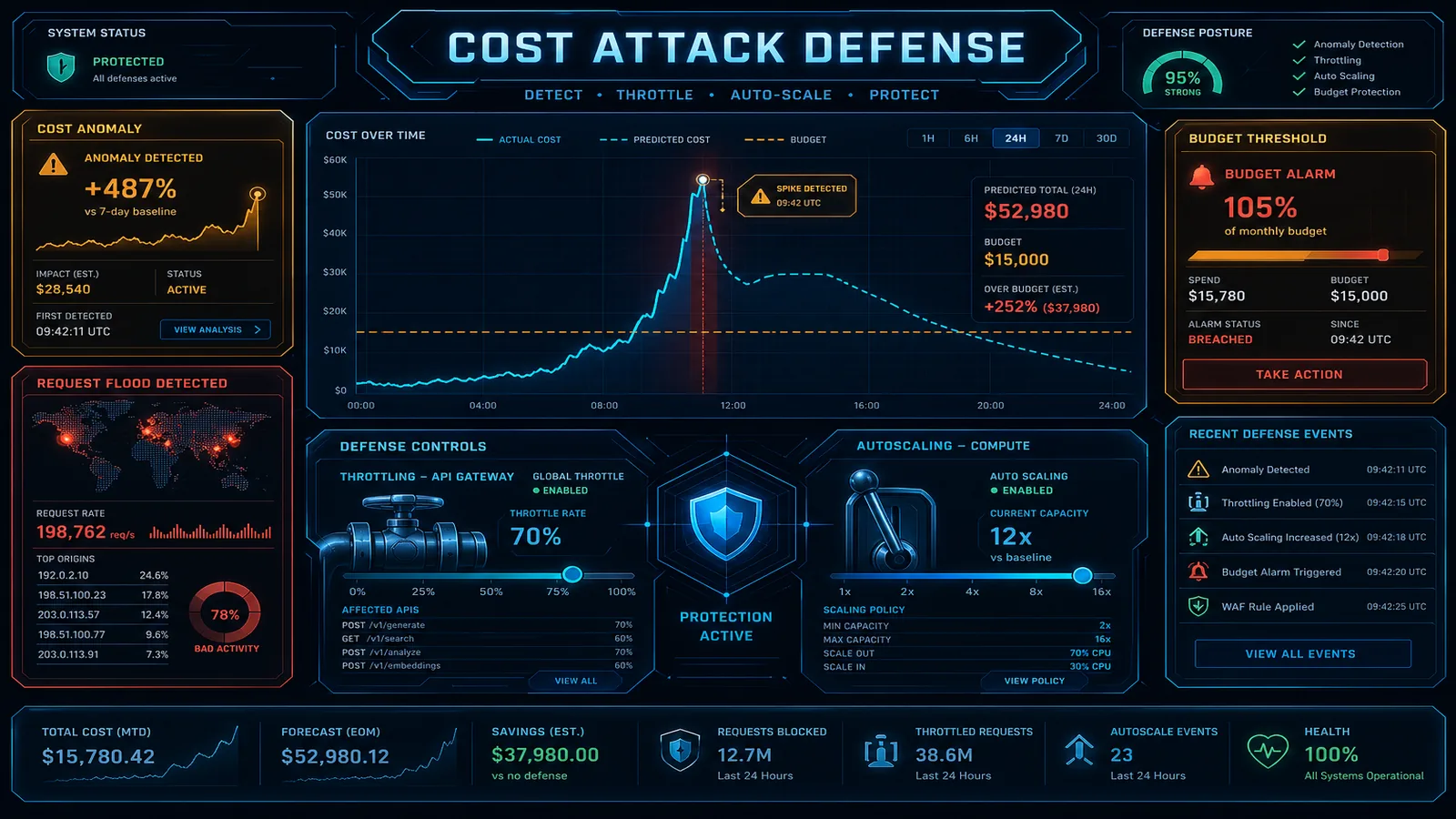
Counter-case: enabling Targeted Bot Control + CAPTCHA on every path “for safety” is how WAF becomes a surprise bill. Scope Bot Control to login/checkout/GraphQL first.
What this post doesn’t cover
Shield Advanced DRT process and account-level Firewall Manager multi-account rollout are covered in the production WAF and Shield buyer guides.
What to do Monday morning
- Create/attach one Web ACL; put AWS managed rule groups in COUNT.
- Add rate-based rules on login and expensive routes; COUNT 48h.
- Review logs; flip BLOCK rule-by-rule; alarm on BlockedRequests spikes.
- Walk the COUNT→BLOCK checklist.
- Next: WAF production guide · cost-based attacks.
- Talk to FactualMinds · security services.
Frequently asked questions
What attacks does AWS WAF actually prevent?
How much does AWS WAF cost?
Can AWS WAF block legitimate requests?
How do I protect a GraphQL API with WAF?
What is the difference between WAF and Shield?

Agentic AI & Cloud Security
Works on making teams more productive with agentic AI. Writes the FactualMinds guides on AWS security and compliance: identity, threat detection, data protection, and audit readiness, the controls AI agents need before they touch production systems.