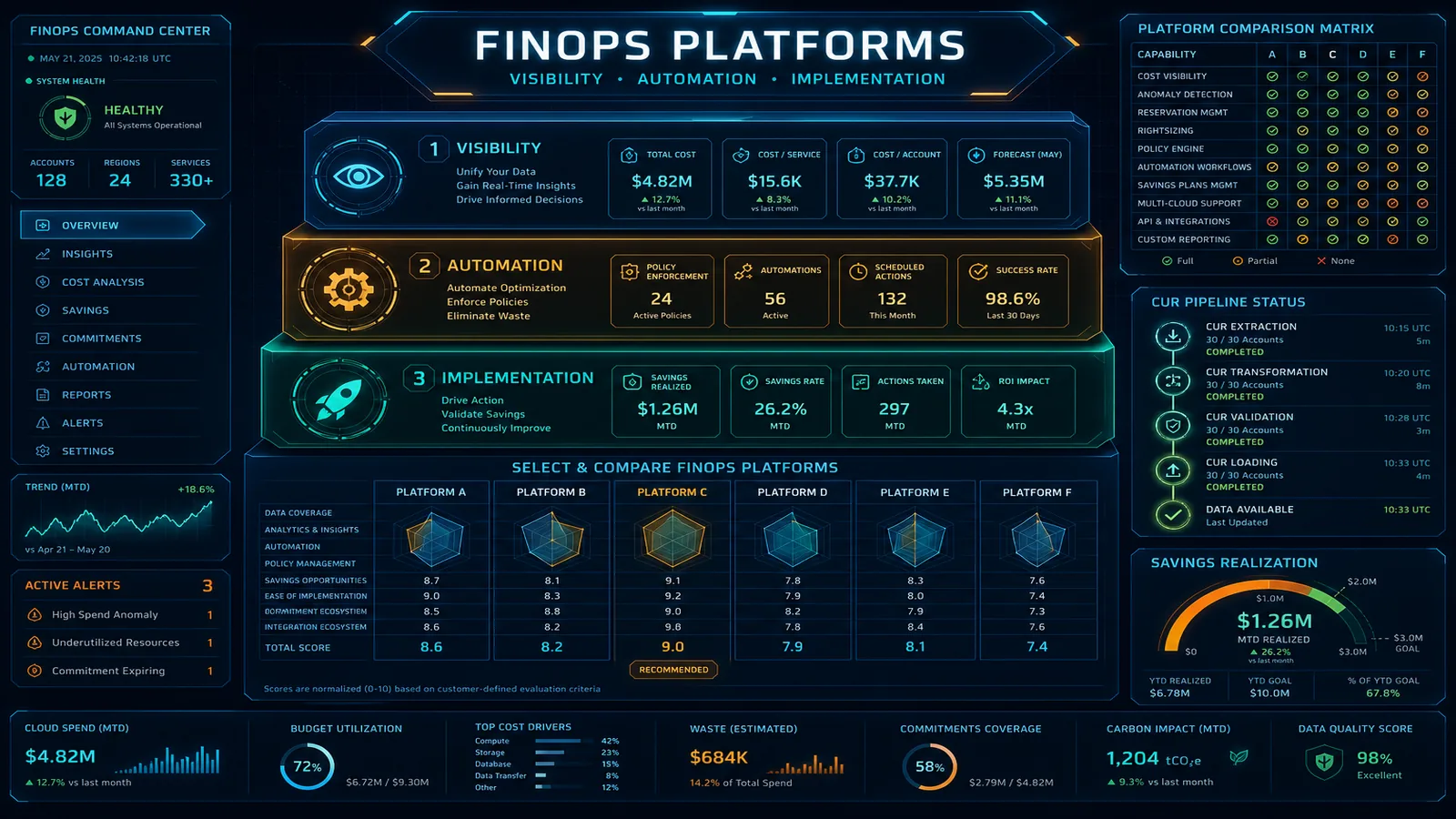
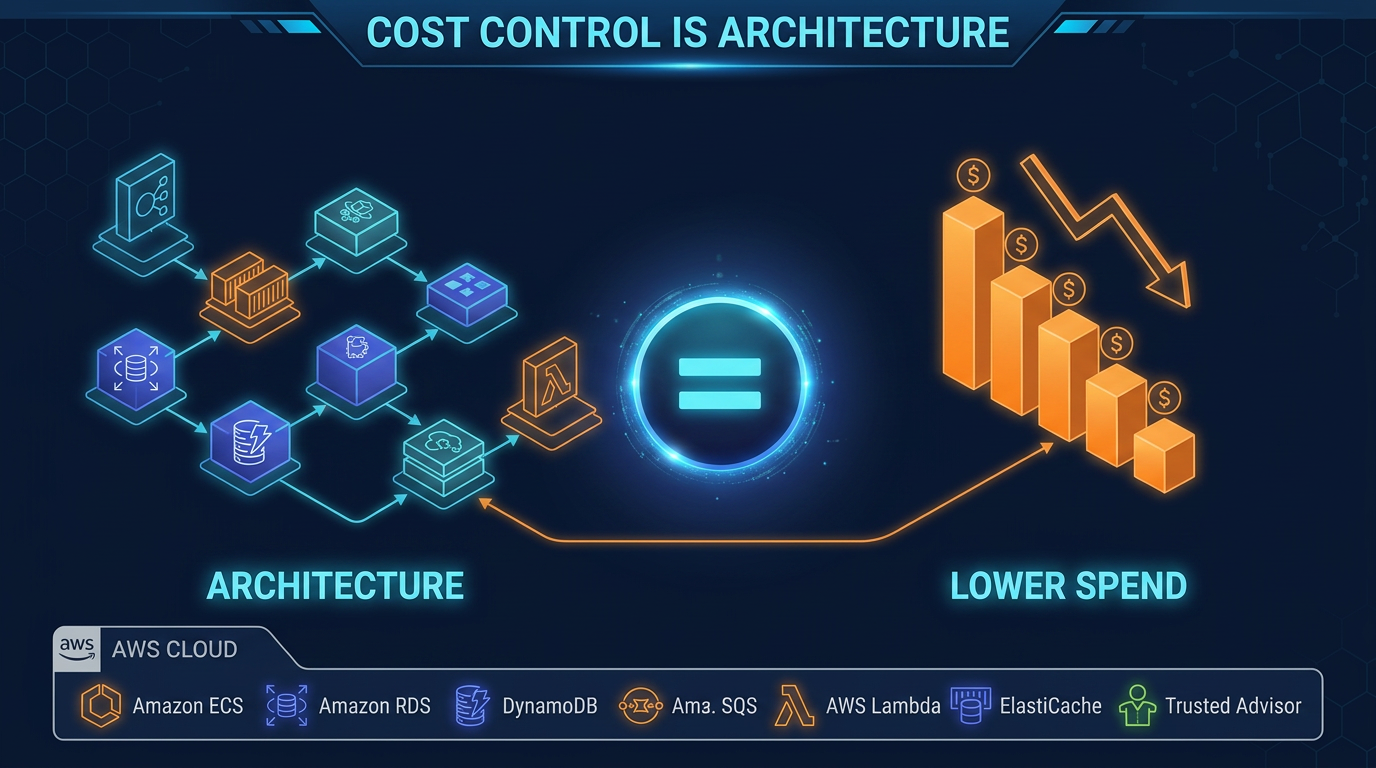
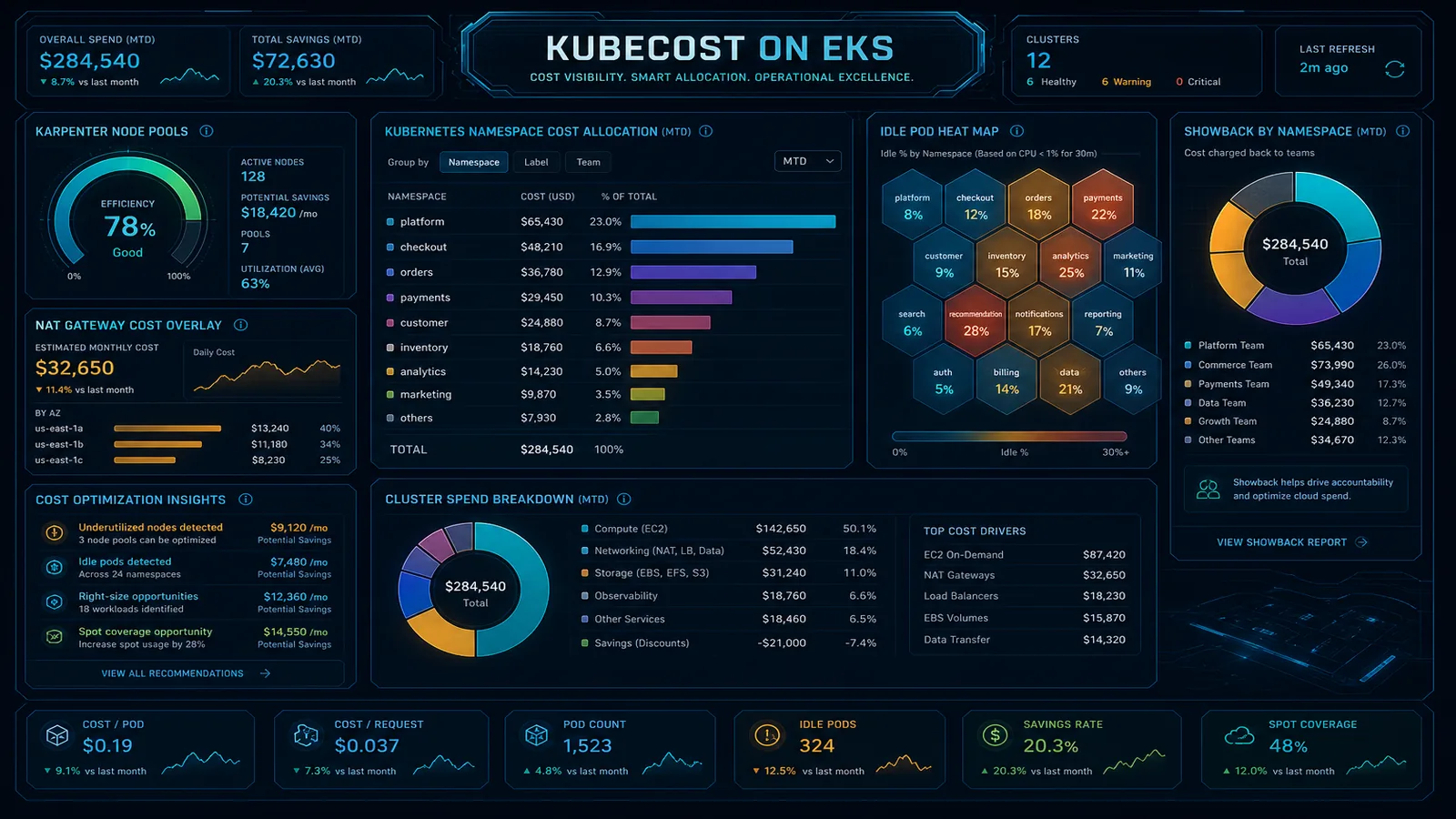
ProsperOps on AWS: Automation vs Commitment Strategy
Quick summary: Implement ProsperOps on AWS. Savings Plans automation works best after baseline modeling and architecture stability. Production checklist included.
Key Takeaways
- Implement ProsperOps on AWS
- As of June 2026, AWS Compute Optimizer includes 32-day lookback for cyclic workloads and Graviton migration paths
- Pre-flight checklist (before enabling autopilot) 1
- What to do this week 1
- Pause autopilot if a major architecture change shipped in the last 30 days
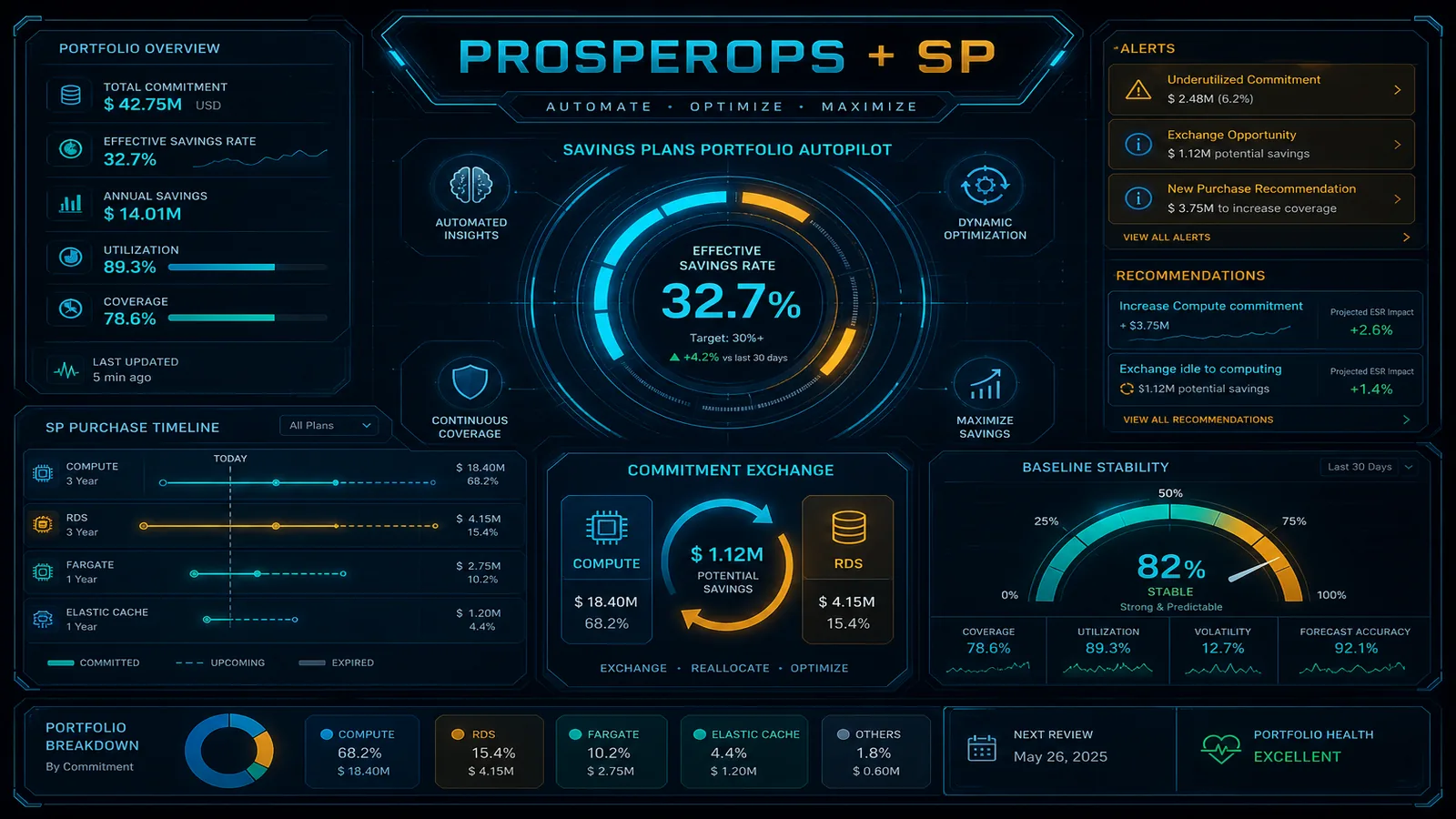
Table of Contents
ProsperOps automates Savings Plans portfolio management, and it fits best when your compute baseline is stable and well understood. As of June 2026, AWS Compute Optimizer includes 32-day lookback for cyclic workloads and Graviton migration paths. Run those recommendations before enabling autopilot.
Engagement shape we commonly see: a mid-market SaaS, stable EC2/EKS compute after a recent migration, ProsperOps enabled immediately, effective savings rate drops after a Graviton refactor because the SP portfolio no longer matches the new baseline.
Teams that enable autopilot without a plan over-commit after a migration or under-commit during growth.
This guide covers when to enable ProsperOps, what to fix first, and how to pair automation with architecture work.
What ProsperOps does well
- Automated Savings Plans purchases and exchanges
- Risk-adjusted commitment strategy across compute families
- Integration with AWS billing and Organizations
- Reporting on effective savings rate (ESR)
- FinOps Foundation-aligned commitment management
What ProsperOps does not do
- Remove NAT Gateway or cross-AZ waste
- Rightsize EC2, Lambda, or EKS before commitment
- Stabilize tagging for allocation
- Execute Graviton migrations or serverless refactors
- Guarantee savings if baseline compute is mis-sized
Autopilot needs a plan: model the baseline, stabilize the architecture, enable automation, then review quarterly.
Pre-flight checklist (before enabling autopilot)
1. Baseline stability (4 to 6 weeks of clean data)
- No major migration in flight (EC2 → Lambda, x86 → Graviton, datacenter exit)
- Idle resources removed (cost pitfalls: idle resources)
- Rightsizing reviewed via Compute Optimizer
- Dev/test schedules or shutdown policies in place
2. Commitment portfolio design
- On-Demand vs Spot vs SP split documented per workload class
- 60 to 80% of stable compute covered by SP (FinOps Foundation guidance)
- Burst/workload variance identified; keep On-Demand headroom
- Graviton migration plan if significant x86 remains
3. AWS native alignment
- Savings Plans recommendations reviewed in Cost Explorer
- RI legacy portfolio inventoried (convert or let expire deliberately)
- Payer account billing alerts configured
4. Enable ProsperOps
- Read-only + purchase-scoped IAM role per ProsperOps docs
- Stakeholders: finance + platform + engineering sign-off on risk tolerance
- ESR target defined (FinOps consulting engagements typically target 25 to 35% average savings on covered compute)
Post-enable operations
| Cadence | Action |
|---|---|
| Weekly | Glance ESR trend; flag architecture changes in sprint |
| Monthly | Reconcile ProsperOps actions vs Cost Explorer SP utilization |
| Quarterly | Full cost optimization cadence; reassess baseline after major releases |
| After architecture change | Pause autopilot; re-baseline 30 days |
When to add FactualMinds
Commitment Strategy Workshop (1 week):
- Baseline modeling from CUR
- Architecture stability assessment
- SP portfolio design document
- ProsperOps enablement with guardrails
- Handoff runbook for quarterly review
FinOps Foundation Build if tagging, NAT, or EKS costs undermine commitment accuracy.
What to do this week
- Pause autopilot if a major architecture change shipped in the last 30 days.
- Export CUR and validate stable compute baseline before re-enabling.
- Review Compute Optimizer Graviton recommendations, and migrate before locking SP coverage on x86.
What this post doesn’t cover
Reserved Instance legacy portfolio optimization, Spot Fleet commitment strategies, and multi-payer Organizations SP sharing. See Reserved Instances vs Savings Plans for the commitment type decision.
Related Reading
- FinOps platform hub: ProsperOps section
- nOps vs AWS native FinOps
- FinOps tools vs consulting
- Reserved Instances vs Savings Plans
- AWS Cost Optimization services
Frequently asked questions
When should I enable ProsperOps autopilot?
What IAM permissions does ProsperOps need?
Does ProsperOps replace architecture cost optimization?

Ecommerce Growth & Retail Marketplaces
Ecommerce growth leader working across ratings and reviews, Walmart review syndication, retail marketplaces, and email and SMS deliverability. Writes the FactualMinds guides on AWS cost optimization and FinOps for teams that need cloud spend to stay predictable.